|
Electronic Components Datasheet Search |
|
|
Electronic Components Datasheet Search |
|
RZMS-U9T-R Datasheet(PDF) 7 Page - M-System Co.,Ltd. |
|
|
|||||||||||||||||||||||||||||
RZMS-U9T-R Datasheet(HTML) 7 Page - M-System Co.,Ltd. |
|
|
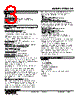
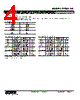
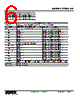
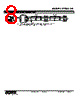
7 / 12 page 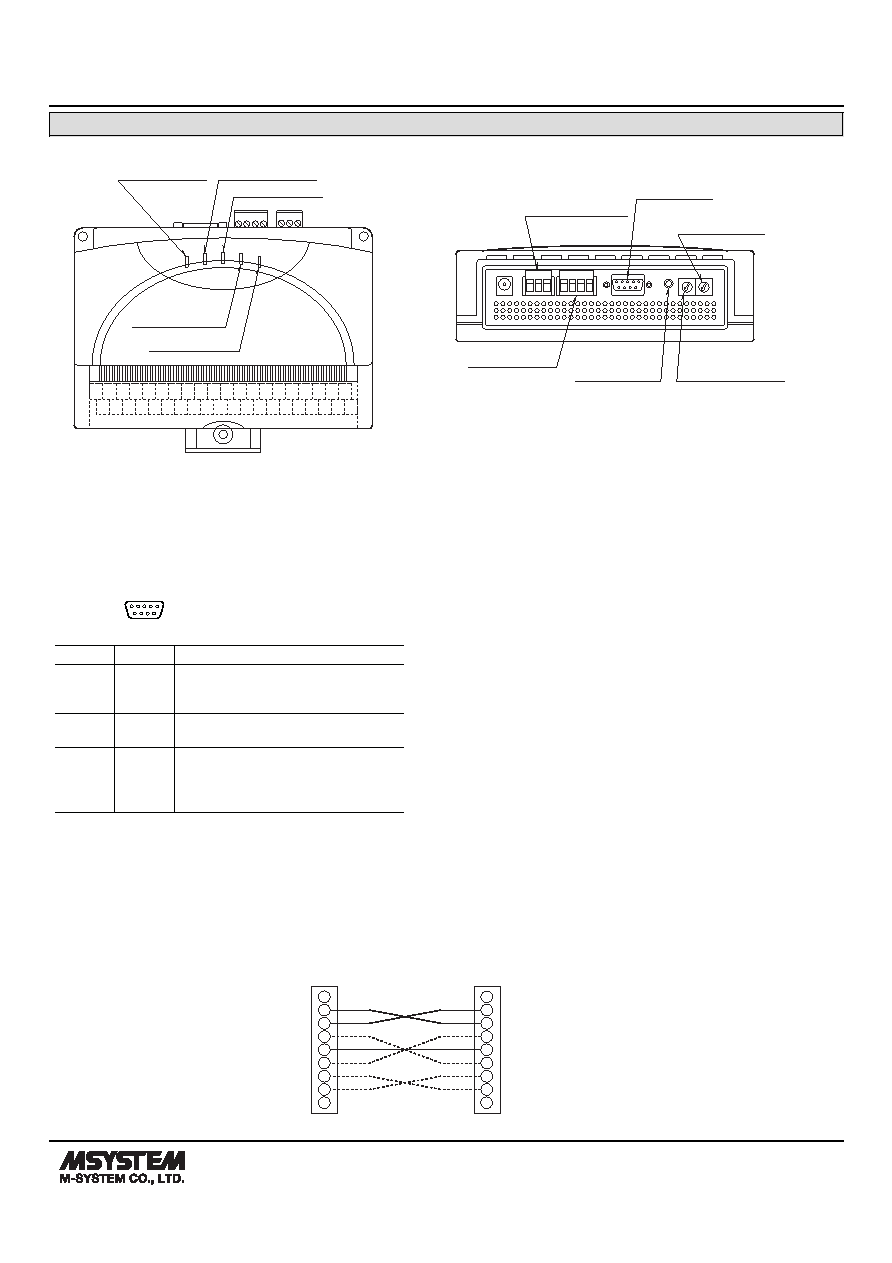 MODEL: RZMS-U9 RZMS-U9 SPECIFICATIONS ES-7605 Rev.13 Page 7/12 http://www.m-system.co.jp/ EXTERNAL VIEW T1 T2 T3 T4 T5 T6 T7 1A 1B 1C 3A 3B 3C 5A 5B 5C 7A 7B 7C 9A 9B 9C 11A 11B ALM + ALM – 11C 2A 2B 2C 4A 4B 4C 6A 6B 6C 8A 8B 8C 10A 10B 10C 12A 12B 12C TRG + TRG – RUN Indicator LED COMM Indicator LED ERR Indicator LED TRIG Indicator LED ALM Indicator LED RS-485 Connector Configurator Jack Node Address Setting Rotary SW Operating Mode Setting Rotary SW RS-232-C 9-pin Connector Power / FG Terminals ■ TOP VIEW ■ REAR VIEW ■ INDICATOR LED RUN: Green LED blinks when the internal microprocessor is operating normally. COMM: Communication LED. Amber LED turns on when the RZMS is receiving normal data query frames from Modbus and sending responses out. ERR: Error LED. Red LED turns on with internal errors and blinks when the RZMS is receiving abnormal data query frames from Modbus. TRG: Trigger LED. Amber LED turns on when the trigger contact input turns on. ALM: Alarm LED. Amber LED turns on when the alarm contact output turns on. ABBR. PIN NO. EXPLANATION OF FUNCTION BA (SD) 2 Transmitted Data BB (RD) 3 Received Data AB (SG) 5 Signal Common CB (CS) 7 Clear to Send CA (RS) 8 Request to Send 1 Not Used. 4 DO NOT connect. Connecting may 6 cause malfunctions. 9 1 5 6 9 ■ RS-232-C INTERFACE R1M Series This Unit 1 2 3 4 5 6 7 8 9 1 2 3 4 5 6 7 8 9 The above connection including solid and broken lines is an example of ‘Interlink’ cable. • Pin Assignments • Use a ‘Straight’ cable to connect this model to a PC if not with the cable included in the product package. • For connecting this model to the R1M or the R2K-1 via RS-232-C, the RS-232-C cable must satisfy the following conditions: (1) Includes the connections shown with solid lines in the figure below. (2) Pins No. 8 are not connected between each other. (May cause breakdowns.) ‘Interlink’ or ‘Reverse’ cables are usually applicable. ■ RS-232-C CABLE |
|
|
Link URL |
| Does ALLDATASHEET help your business so far? [ DONATE ] |
About Alldatasheet | Advertisement | Contact us | Privacy Policy | Link to Datasheet | Link Exchange | Manufacturer List All Rights Reserved©Alldatasheet.com |
| Russian : Alldatasheetru.com | Korean : Alldatasheet.co.kr | Spanish : Alldatasheet.es | French : Alldatasheet.fr | Italian : Alldatasheetit.com Portuguese : Alldatasheetpt.com | Polish : Alldatasheet.pl | Vietnamese : Alldatasheet.vn Indian : Alldatasheet.in | Mexican : Alldatasheet.com.mx | British : Alldatasheet.co.uk | New Zealand : Alldatasheet.co.nz |
|
Family Site : ic2ic.com |
icmetro.com |
 Indian ▼
 English
 Chinese
 German
 Japanese
 Russian
 Korean
 Spanish
 French
 Italian
 Portuguese
 Polish
 Vietnamese
 Indian
 Mexican
 British
 New Zealand